Automatically Generate Alternate Text for Images

When you open a PDF filled with graphs, product images, or scanned figures, it is easy to forget that not every reader can see those visuals. For someone relying on a screen reader, an unlabeled image is nothing more than a blank space. That’s why alternate text (alt text) is such a fundamental requirement in accessible PDF documents.

Why Automated Alt Text Matters for PDF Accessibility

For years, adding these descriptions has been a manual, time-consuming task. Today, with AI-powered workflow in PDFix Desktop, generating meaningful alt text is faster, more accurate, and scalable across entire collections of documents.

Many teams approach alt text as a requirement for PDF/UA, WCAG, Section 508, or EN 301 549. While that’s true, alt text also:

  • Adds context so technical content like diagrams or charts makes sense
  • Improves the reading flow for people using screen readers
  • Demonstrates a commitment to inclusivity

The problem has always been scale – how do you add alt text to thousands of figures quickly, without sacrificing quality? That’s where automation and AI come in!

AI-Powered Alt Text Generation in PDFix

Intelligent Descriptions with Vision Models

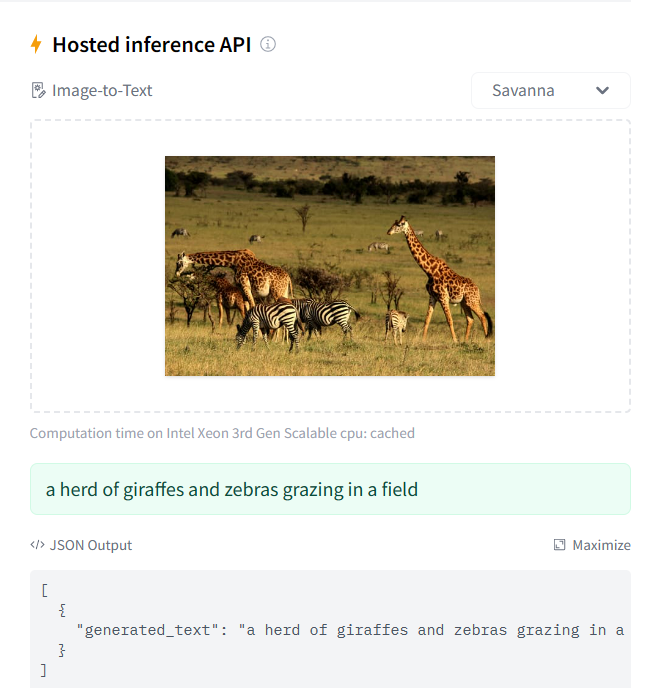
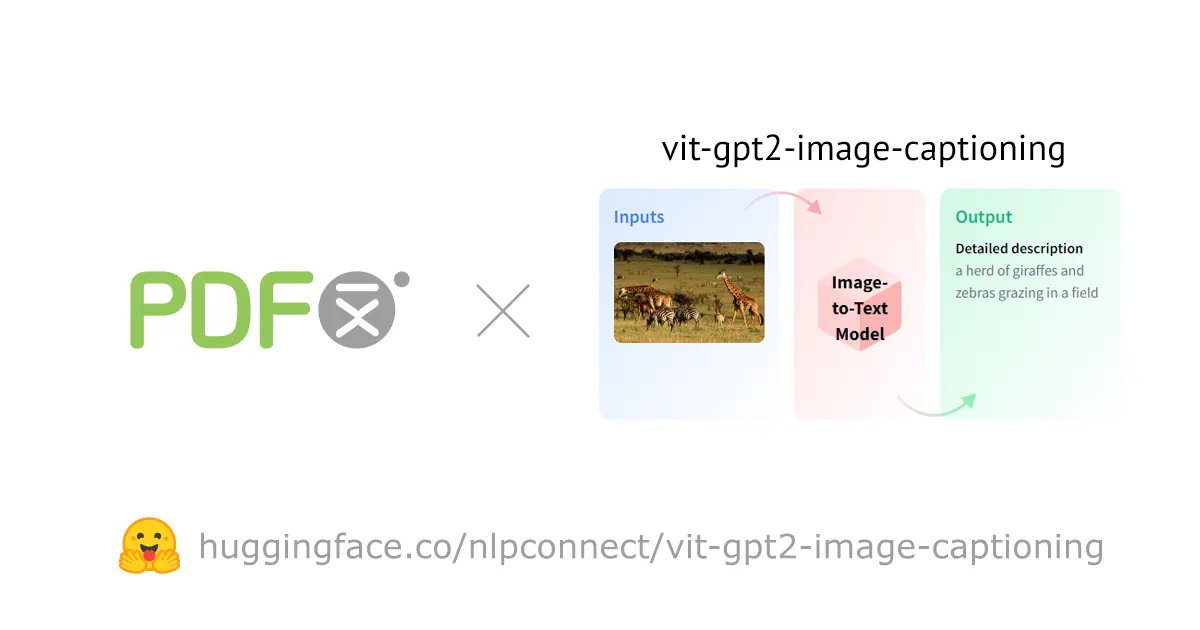
Instead of writing captions manually, PDFix implements alt-text generation through External Actions – plug-in steps you can run from PDFix Desktop. Out of the box, you can connect to OpenAI or a BLIP AI action. Pick the engine, run it on selected figures, then review the suggested text.

Automating Alt Text Across Large Document Sets

Batch workflows let teams:

  • Apply AI-generated descriptions across multiple PDFs at once
  • Filter which figures get tagged (e.g., skip decorative icons or images)
  • Save outputs with custom file names and directories for simpler auditing

Human Review for Accuracy and Compliance

AI handles the heavy lifting, but final review stays simple. Remediators can quickly adjust or approve suggested text to ensure quality and conformance.

Continuous Integration of Advanced AI Models

PDFix isn’t tied to a single provider. As new state-of-the-art AI engines become available, they can be integrated into the PDFix pipeline – so your workflow keeps improving without re-tooling.

Best Practices for AI-Generated Alt Text in PDFs

  • Keep descriptions short, specific, and functional.
  • Add context without duplicating captions.
  • Skip purely decorative images.
  • Always review AI-generated results before publishing.

Accessibility Outcomes: Faster, Cheaper, More Inclusive

AI and automation can reduce alt-text time dramatically, turning a once manual burden into a repeatable, auditable step in your remediation process:

  • Accessible PDFs delivered faster
  • Lower remediation costs
  • Consistent quality across thousands of figures

Want a step-by-step walkthrough? Check out our latest tutorial: How to Add an Alternate Description to PDF Figure Tags


Frequently Asked Questions

What is AI-generated alt text for PDFs, and how does PDFix use OpenAI?

AI-generated alt text automatically creates meaningful descriptions for images, charts, and figures. In PDFix Desktop, you can run OpenAI on batch documents directly in the Application View via the integrated Docker image. OpenAI is built into PDFix Desktop, so you can simply run the action without adding an external step.

Will AI alt text created in PDFix help with PDF/UA, WCAG, and Section 508 compliance?

Yes. PDFix helps you add, review, and validate alternate text across figures to support PDF/UA, WCAG, and Section 508 requirements. Validation can be performed instantly, as PDFix Desktop includes the industry-standard built-in validator VeraPDF with always up-to-date validation profiles.

Can I batch-generate alt text across large PDF collections?

Absolutely. PDFix offers batch processing to apply AI-generated descriptions across multiple PDFs, including selective tagging options (e.g., skipping decorative icons) and audit-friendly outputs with consistent file names and directory structures.

Am I locked into OpenAI, or can I use other vision models and keep data private?

You’re not locked in. PDFix External Actions are model-agnostic: you can start with OpenAI via Docker and integrate other engines as they become available. Docker supports both on-premises and private-cloud deployments, ensuring full alignment with your organization’s security and data-privacy policies.

How accurate are AI descriptions, and do I still need human oversight?

Teams typically report significant time savings with high-quality first drafts. Best results come from a quick human review—refine technical terms, avoid duplicating captions, and ensure each description matches user intent and document context.